AuthNull Authenticator app icon
AuthNull Authenticator
Free · iOS and Android · Desktop coming soon

Download the Authenticator.

Approve every login AuthNull protects — Windows and SSH sign-ins, VPN, databases and apps — with one tap on your phone or desktop.

  • Who, where and what on every request
  • One-time codes when you're offline
  • PIN and biometric lock on the app

macOS

macOS 12 Monterey or later

Coming soon

Windows

Windows 10 or 11

Coming soon

Works with AuthNull SaaS and self-hosted deployments. How push MFA works

A look inside the app

The same app on iPhone, iPad and Android, with Mac and Windows coming soon.
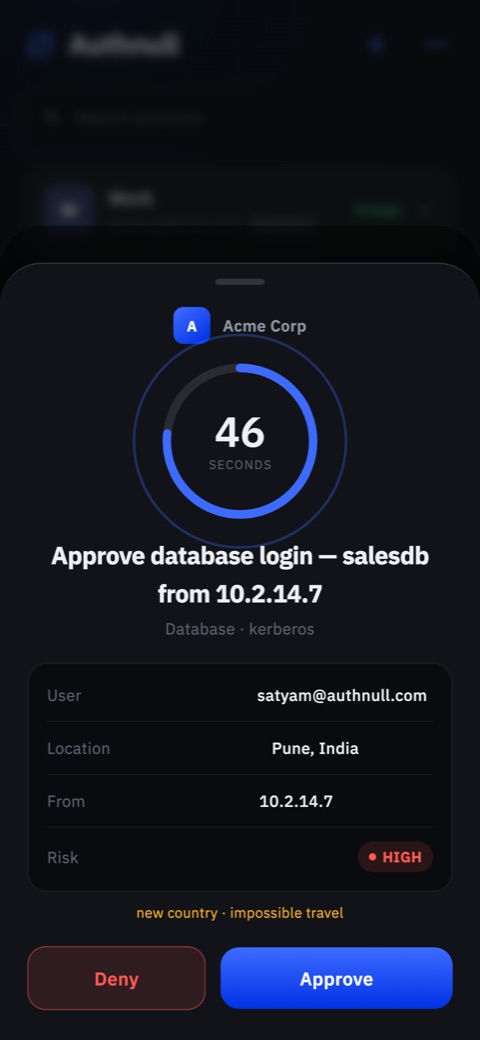
  1. Push request to approve a database login, showing user, location, source IP and a high risk flag

    See every request in full

    User, location, source and risk, with a countdown to answer.
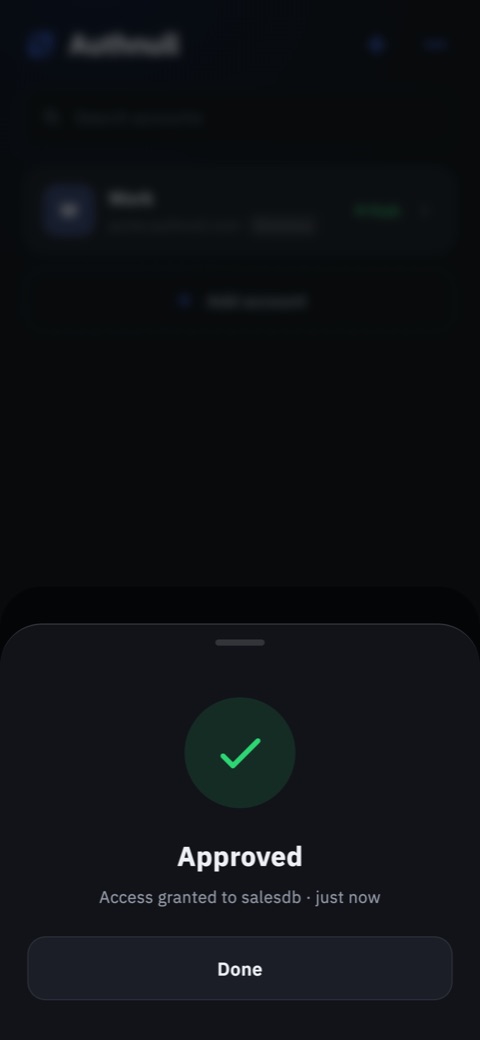
  2. Approved confirmation after granting access to a database

    Approve in one tap

    Access is granted the moment you approve. Deny blocks it on the spot.
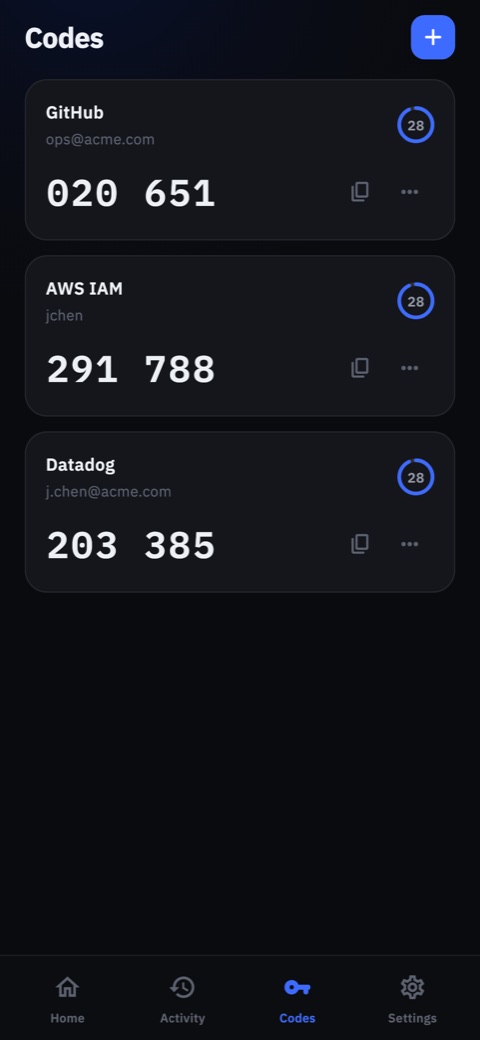
  3. One-time codes for GitHub, AWS IAM and Datadog

    Codes for everything else

    Built-in one-time codes for GitHub, AWS and any other TOTP account.
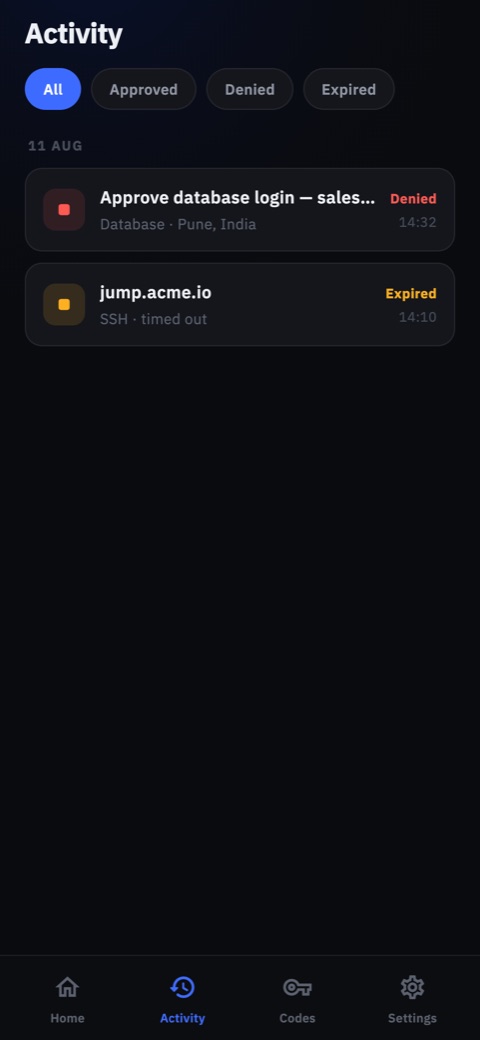
  4. Activity list with denied and expired login requests

    A record of every login

    Filter approved, denied and expired requests on your device.

Installation questions

  • Yes. The iPhone, iPad and Android apps can be pushed from the App Store and Google Play through your MDM (Intune, Jamf, Workspace ONE). Talk to us if you need a managed package.
  • Open the invite link your administrator sent you, or open the app and scan the enrollment QR code (or enter your organization's address). After that, login requests arrive as push notifications.